Get the app — take it with you
At your desk. In your pocket.
Your questions, plans and agents follow you. Open Mojo in a browser, or get the app for your phone.
Inviter’s invitation code
- Web Appapp.mojo.trade · no download needed
- iOSCurrent official build via TestFlight
- AndroidCurrent official build · direct downloadOn a desktop, scan the QR code with your phone to download the app
 Scan to download
Access requirements and installation details are in the official setup guide ↗.
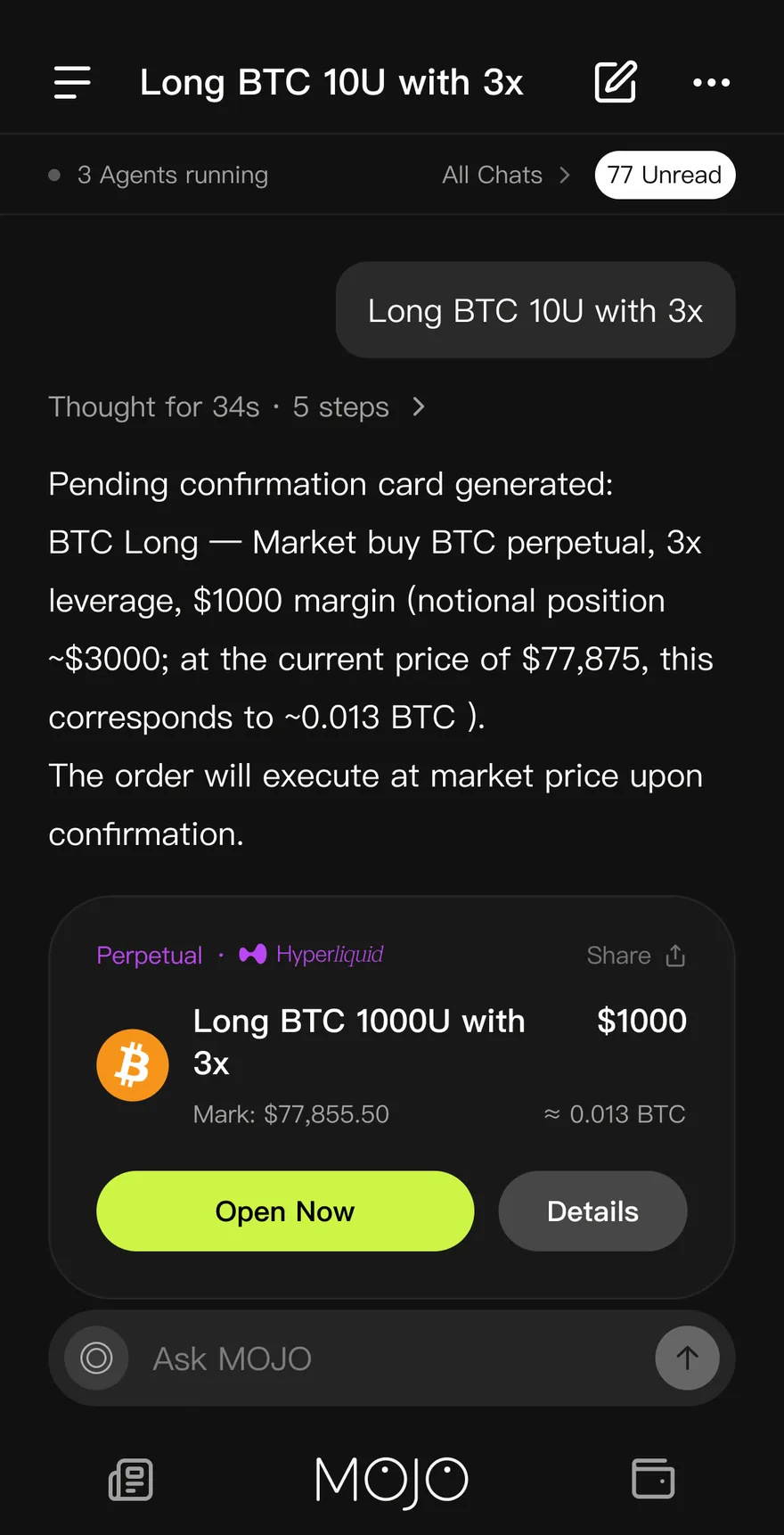
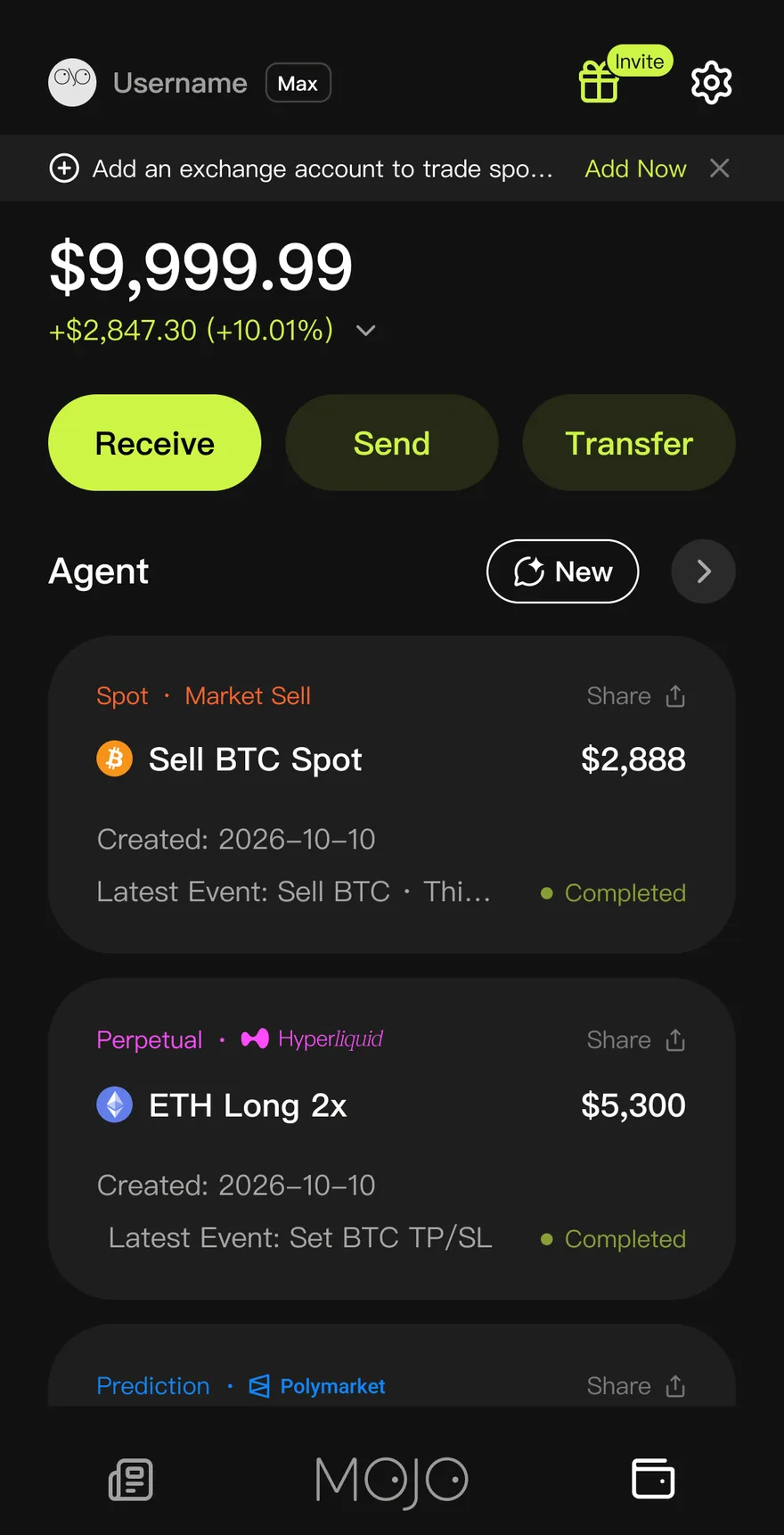
Real captures · account figures illustrative
Getting started: Four steps to your first agent.
- Step 1
Open Mojo
Use the web app in any browser, or install the app on your phone. Look for “MOJO: Agent OS”.
- Step 2
Sign in
Sign in with email or a social account. Then fund your Mojo wallet, or connect an eligible exchange account by following the guide.
- Step 3
Describe your first idea
Say what you want in your own words. Mojo answers, charts, or drafts a strategy card for you to review.
- Step 4
Confirm, then step away
Nothing runs until you confirm the card. Check on your agents from any device, and stop them any time.
One account: Same agents, every screen.
Start a plan on your laptop and check on it from your phone. Your conversations, agents and holdings stay in step.
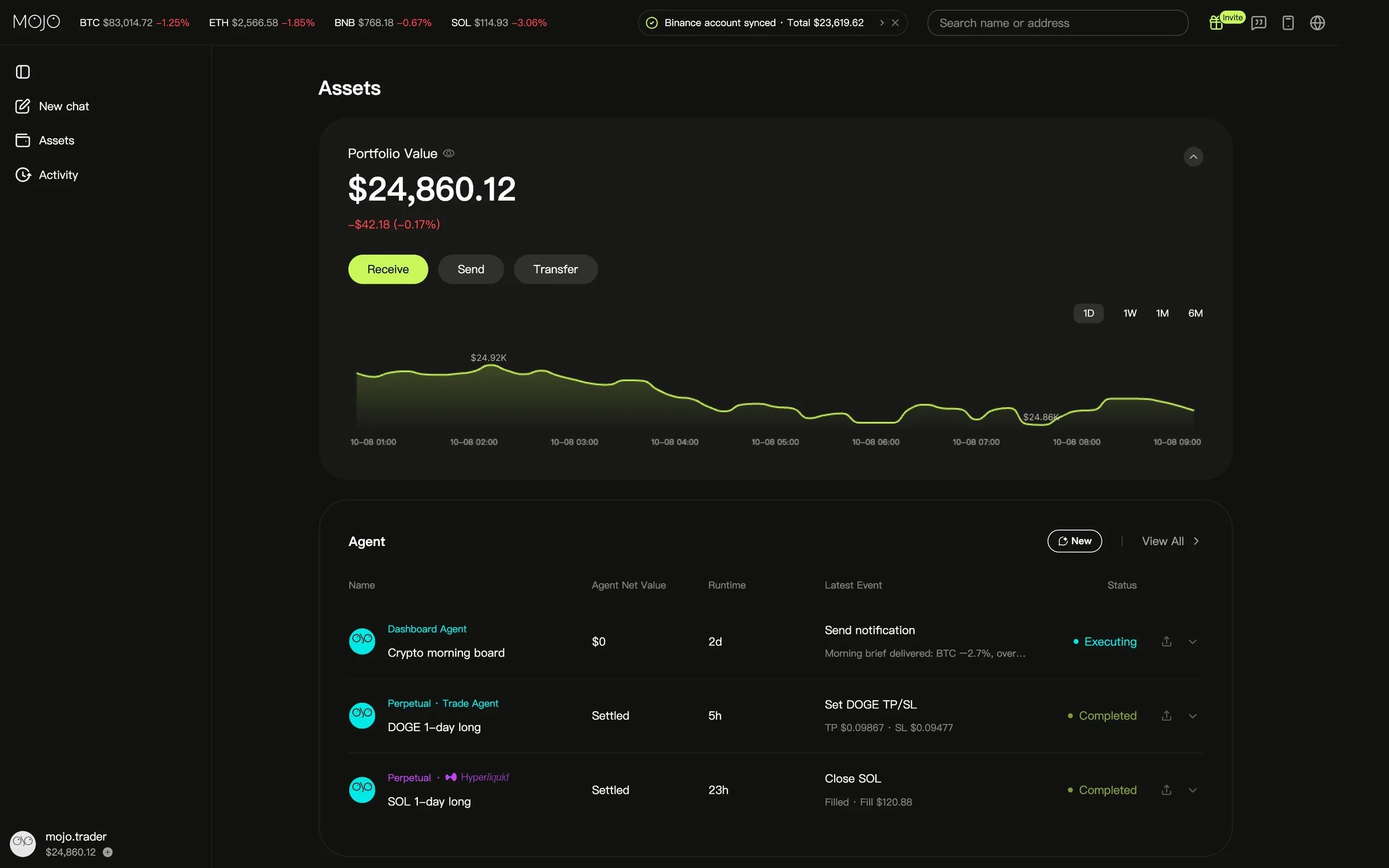




Get started: Open Mojo now.
The web app needs no download. The phone app keeps your agents close.
Web · iOS · Android